The Backdoor You Built: Why Security Questions Weaken Account Recovery

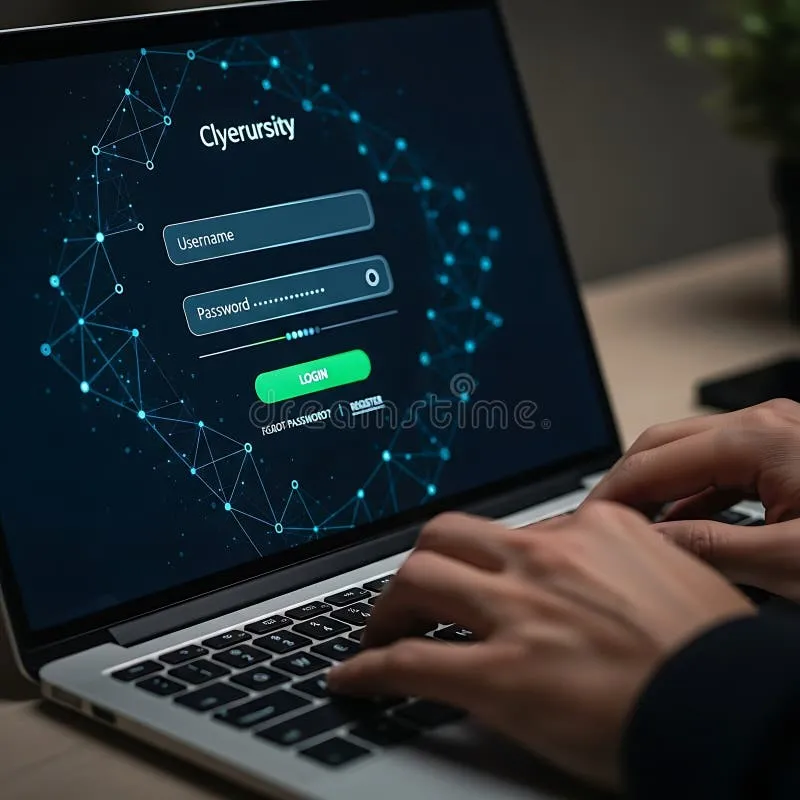
Photo: person typing password on laptop login screen security, via www.clipartbest.com
A password reset is supposed to be a lifeline. In practice, it is often the softest door in a person's digital life. The modern account does not fail only when a password is guessed. It fails when a recovery flow hands control to someone who knows the answer to a question that was never truly secret. Security questions were designed as a convenience for call centers and early web services. In 2026, they function more like a backdoor that the account owner helped install.
The Weakest Link Is Often the Door
Knowledge-based authentication assumes that personal facts are stable and private. That assumption has aged badly. A mother's maiden name may appear in genealogy records, property filings, obituaries, or social media tributes. A first pet may be visible in years of photos and posts. A high school mascot or favorite teacher can be inferred from public yearbooks and local news. Data brokers assemble the same details into profiles that can be purchased or, after a breach, circulate for free.
Attackers do not need to be sophisticated to exploit this. They need patience and a search engine. Artificial intelligence has made the sorting easier by summarizing public posts and matching details across accounts. The result is that a question intended to verify identity may instead verify only that a person has a normal online footprint.
The Inbox Is the Master Key
Most password resets no longer ask about a pet. They send a link or a code to an email address or phone number. That is better in one sense and more dangerous in another. If an attacker controls the email inbox, many other accounts fall in sequence. A compromised email account can receive reset links for banking, shopping, social media, cloud storage, and work tools. Each reset may then expose more personal data, which can be used to answer security questions on older accounts that still rely on them.
This is why email security deserves disproportionate attention. A strong password is necessary but insufficient if the inbox can be reached through a weak recovery phone number, an outdated alternate address, or a security question whose answer is printed in a public record. The recovery chain is only as strong as its least protected link.
Why Security Questions Persist
Security questions survive because they are cheap and familiar. Call centers use them to verify customers who have lost access. Legacy systems built before widespread multi-factor authentication still depend on them. Some organizations use them as a fallback when a one-time code cannot be delivered. The problem is that fallback paths are exactly what attackers study. A bank that requires a one-time code but accepts a mother's maiden name when the phone is unavailable has created a second door with a weaker lock.
Hardening the Reset Path
Good recovery design starts with fewer secrets that can be guessed and more evidence that the person requesting access controls the account. For individuals, the practical steps are straightforward. Use a password manager to generate unique passwords for every account. Turn on multi-factor authentication wherever it is offered, preferring an authenticator app or a hardware security key over SMS when possible. SMS codes are better than nothing, but phone numbers can be taken over through carrier fraud and SIM-swap attacks.
Secure the email account first. That means a strong unique password, multi-factor authentication, current recovery information, and a review of connected devices and forwarding rules. Save recovery codes offline rather than in a screenshot on the same phone. If a provider allows random answers to security questions, store those answers in the password manager as if they were passwords. Do not reuse the same answer across accounts.
Reduce the public trail. Review social media visibility, remove unnecessary birth dates and family names, and opt out of data broker listings where state law provides that right. Contact the mobile carrier and ask about account PINs or port-out protections. These measures do not make a person invisible, but they raise the cost of the casual attack.
When a Reset Request Arrives
Unexpected reset emails are a warning, not a nuisance. Do not click the link in the message. Open the service directly by typing its address or using a saved bookmark, then check account activity and change the password if necessary. Report the message to the provider. If the same reset notice arrives repeatedly, treat it as an active attempt to probe the account rather than background noise.
The lockout tradeoff is real. Stronger recovery can mean more friction when a phone is lost or a key is misplaced. The solution is preparation, not weaker security: keep a backup authentication method, store recovery codes in a secure place, and document the process for family members who may need to help in an emergency. Recovery should be difficult for strangers and manageable for the account owner. Security questions rarely achieve both.